MeetWise for iPhone is now available on the App Store
Find and book rooms, desks and workspaces from your phone, check live availability and set your presence. Free to download for people whose organisation uses MeetWise.
By MeetWise Team
Swipe the phone, or pick a screen.
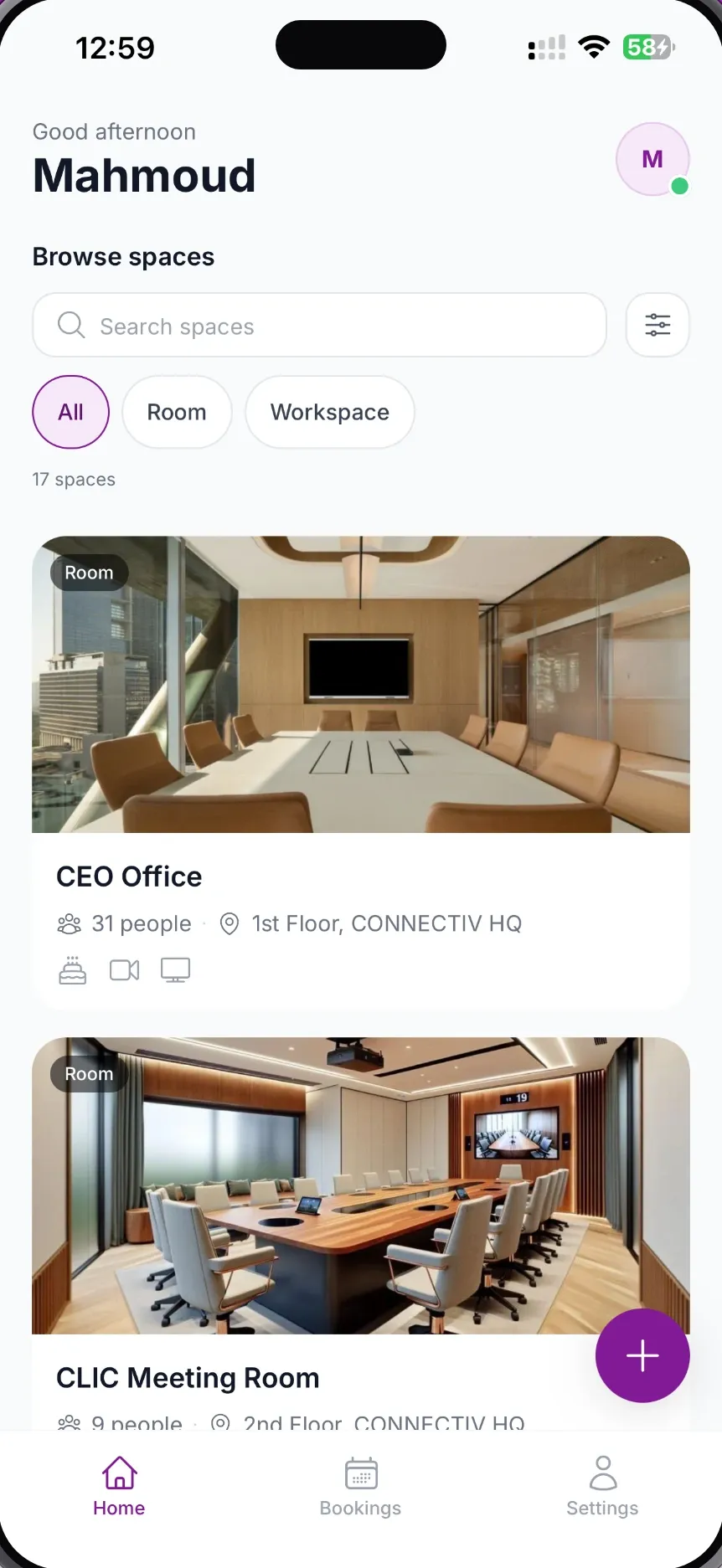
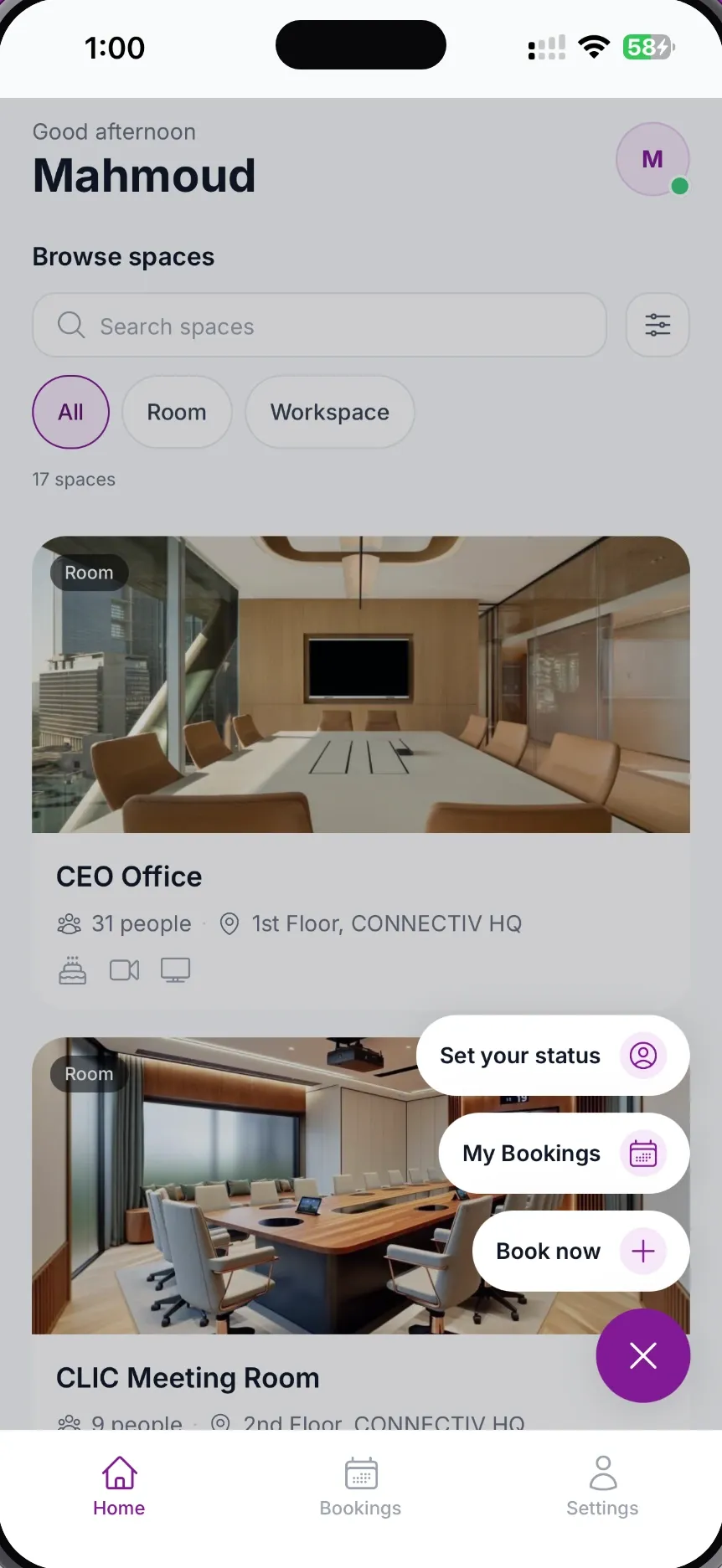
Workplace
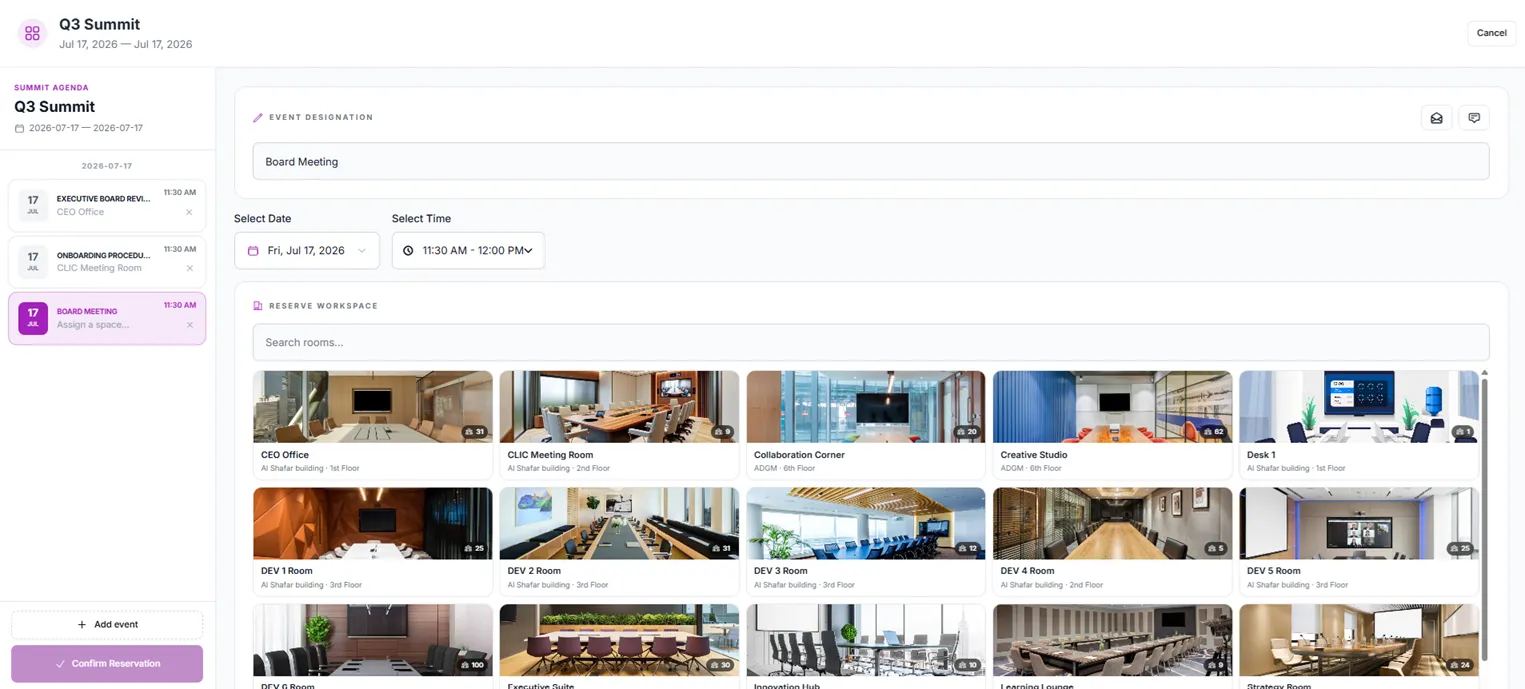
Every space, one live view
Rooms, desks and workspaces across every floor and site.
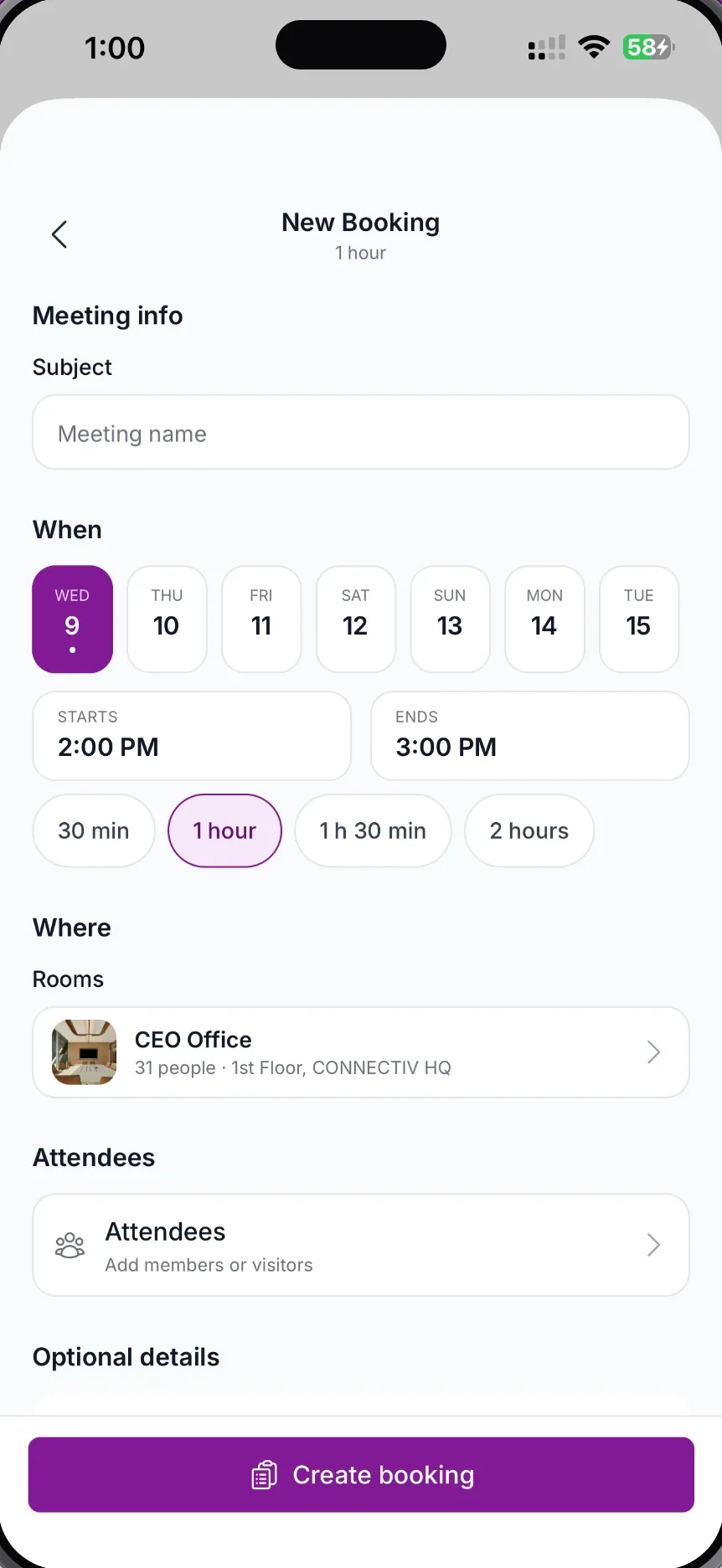
Booking
Every detail in one screen
Subject, time, room and attendees, created in a single pass.
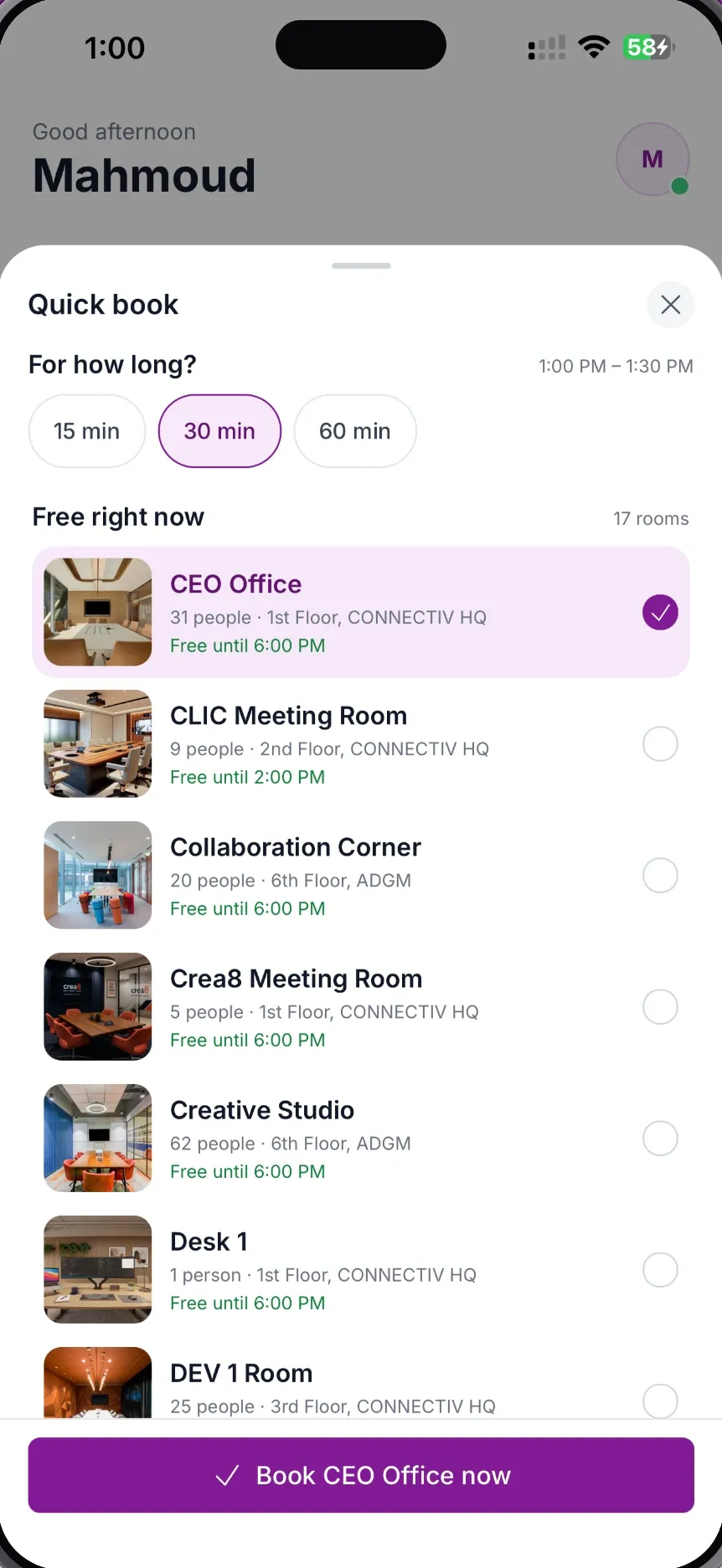
Quick book
Find a free room in three taps
Pick a duration and take whatever is open right now.
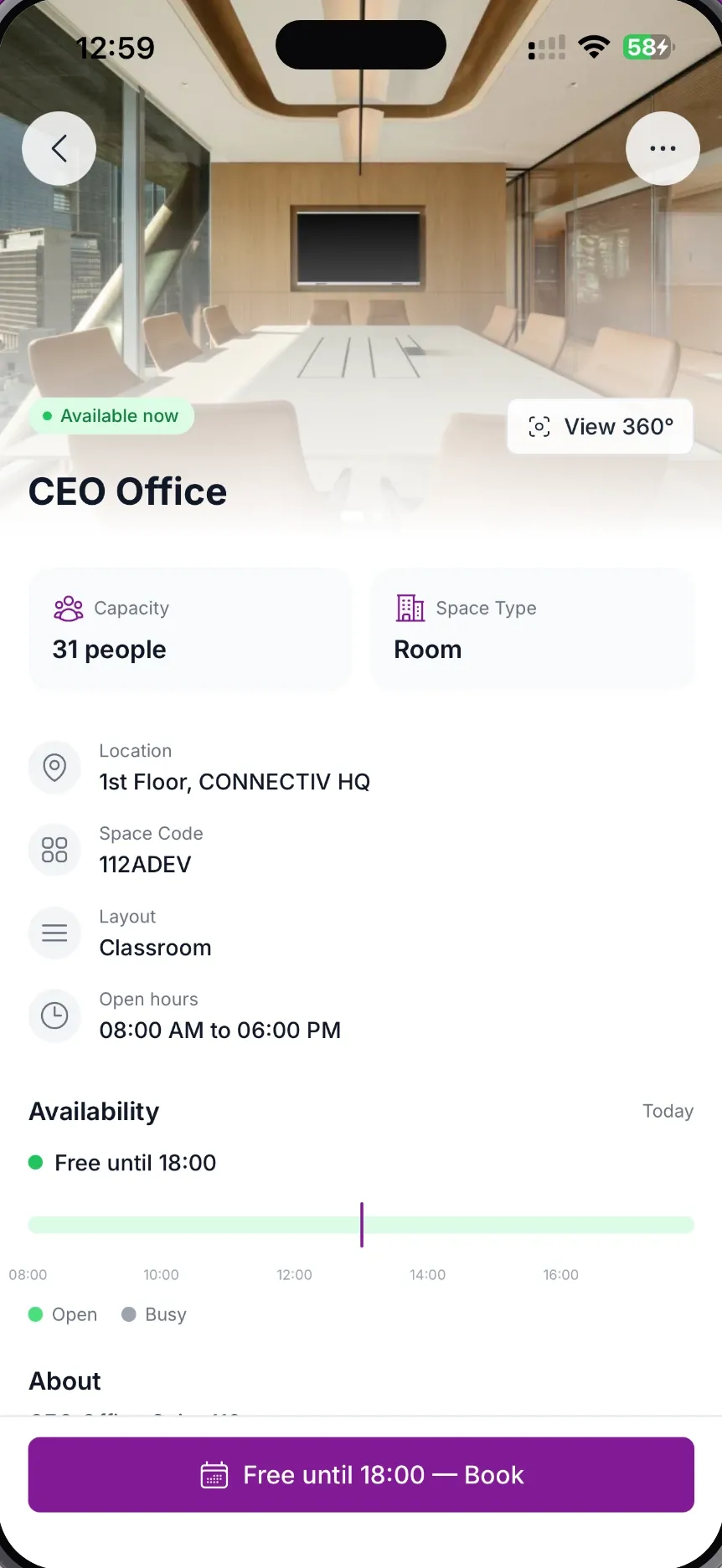
Space detail
Know the room before you walk in
Capacity, layout, equipment, 360° view and availability.
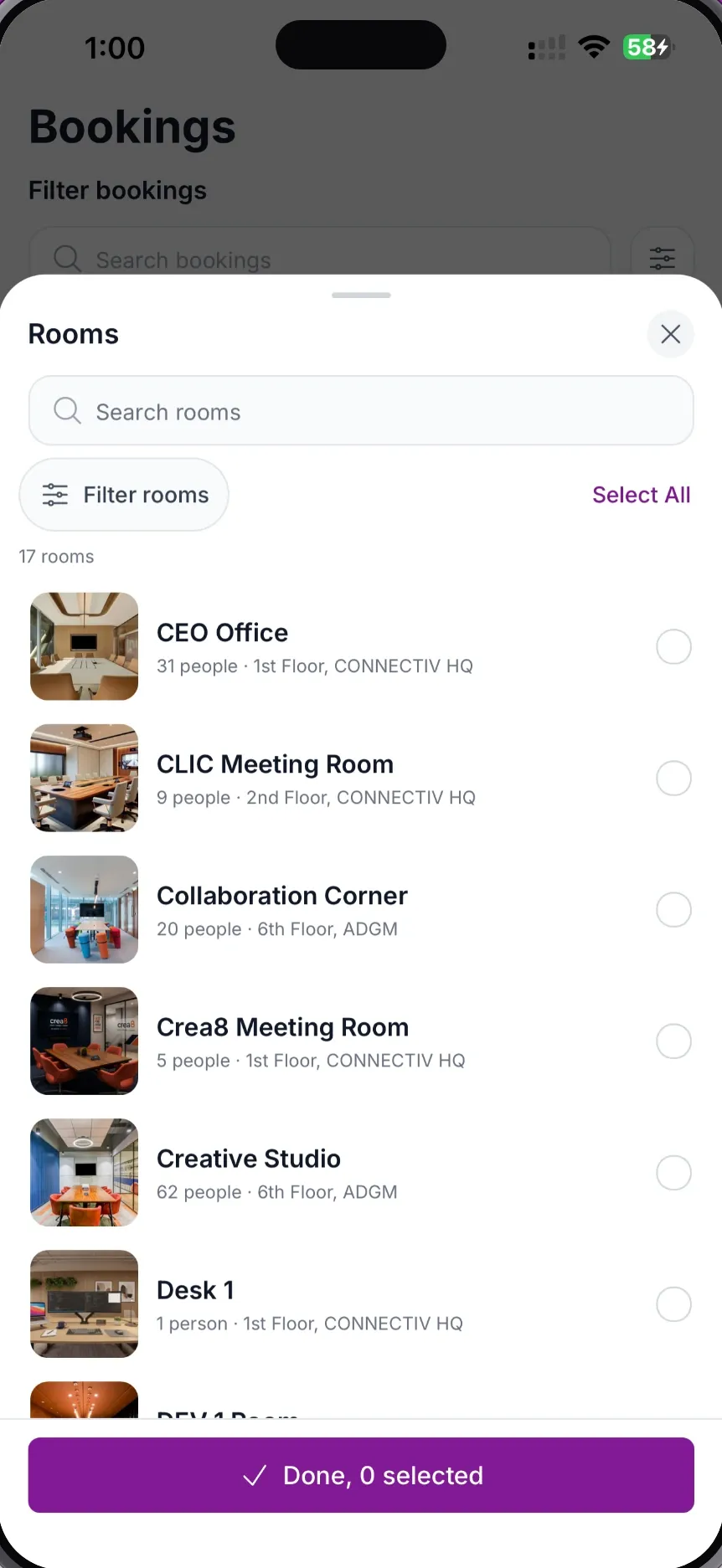
Search and filter
Filter down to the right space
Search across every floor, building and site.
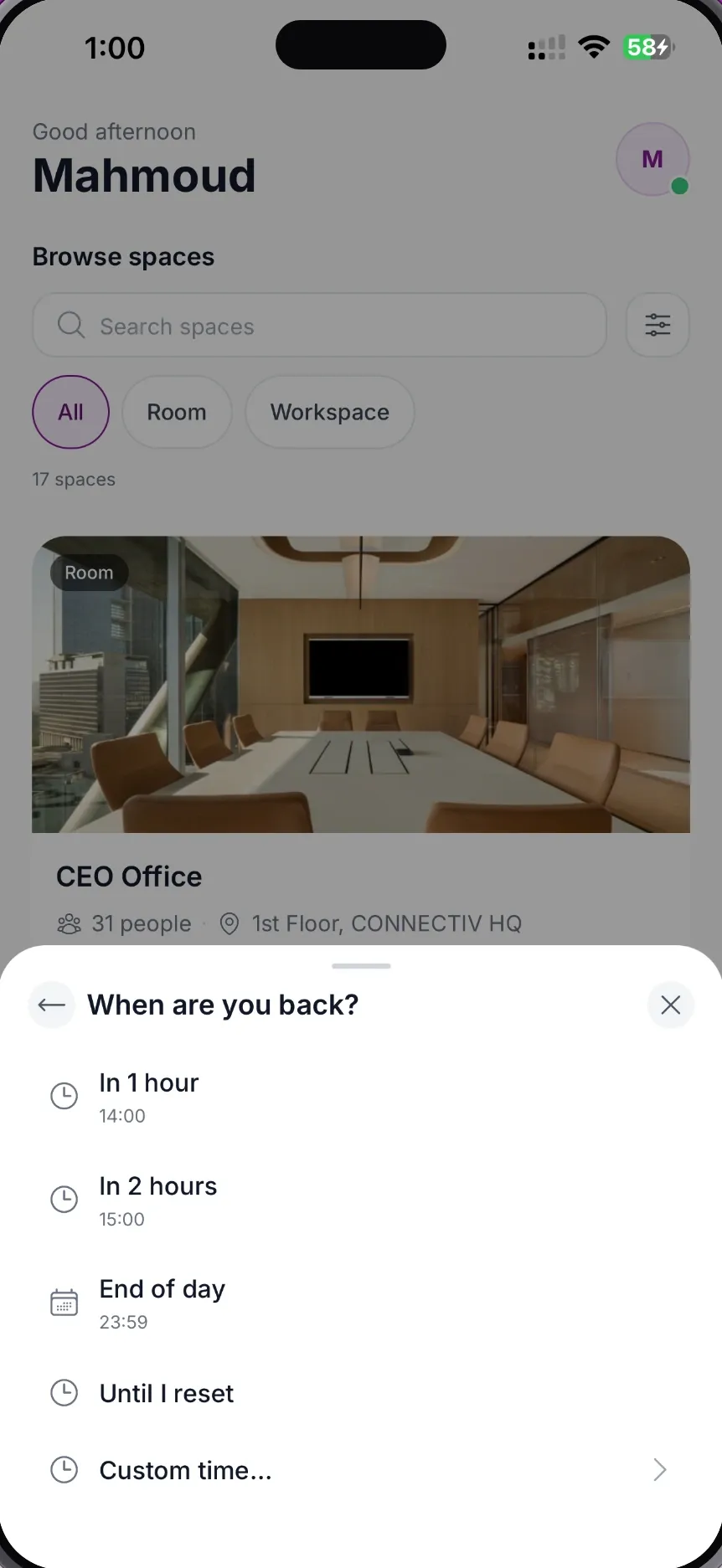
Auto-clear
Out for a bit? Set a return time
Your status clears itself the moment you are back.
Quick actions
Status, bookings, one tap away
Reachable from any screen in the app.
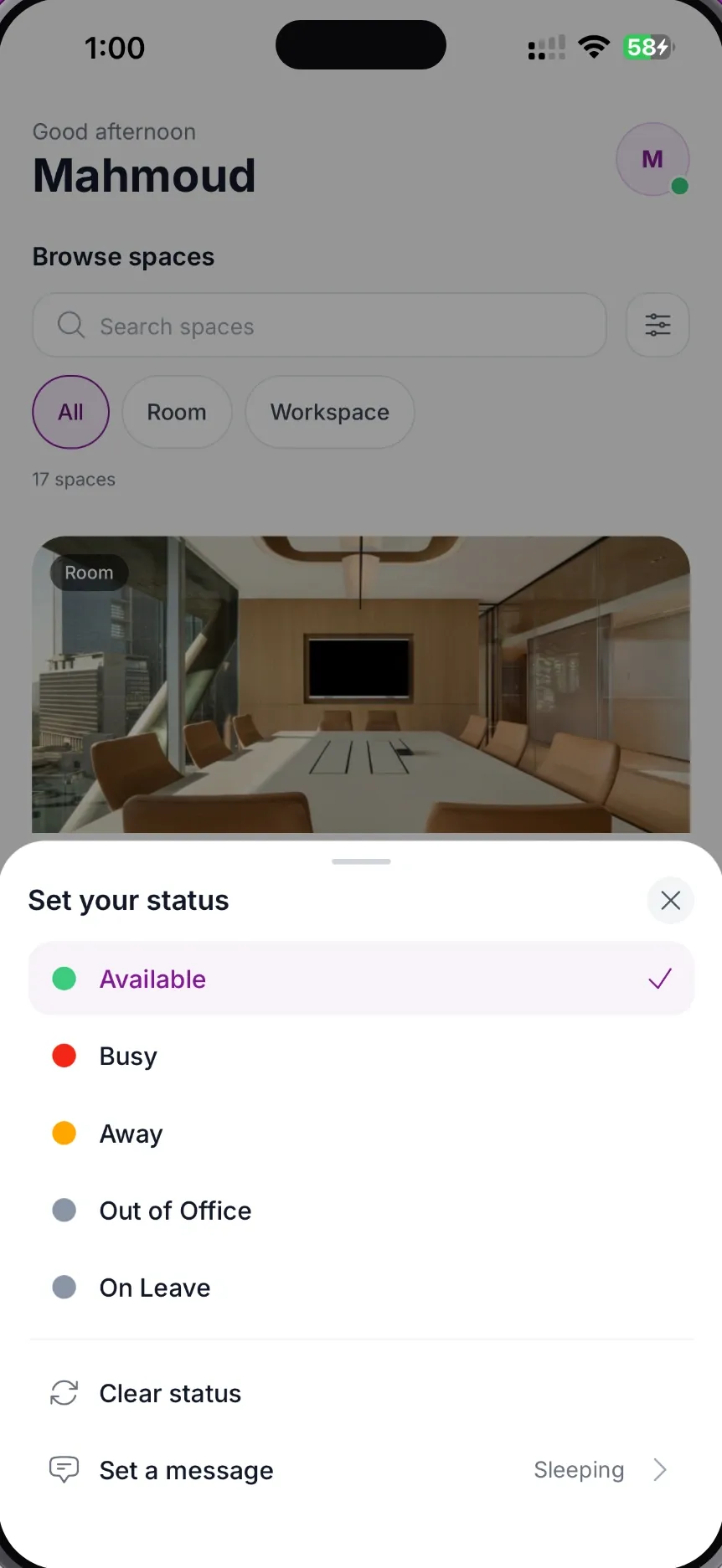
Presence
Tell your team where you are
Available, busy, away, out of office or on leave.
Screen 1 of 8
MeetWise for iPhone is out. It’s free, and it lets people in your organisation find and book a room, desk or workspace from their phone, with live availability shown on each one.
Download MeetWise for iPhone on the App Store.
What you can do in the app
- Browse every room, desk and workspace in one list, with live availability, photos, capacity and filters.
- Use Quick book to take whatever is free right now, or open the full booking screen to set the subject, time, room and attendees.
- Check a room before you walk in: capacity, layout, equipment, a 360° view and its availability today.
- See your bookings centred on today. Recurring meetings are handled one occurrence at a time.
- Tell your team where you are: available, busy, away, out of office or on leave, with an automatic return time.
What it works with
The app works with Microsoft 365 and Exchange, with Google Workspace, or with the built-in MeetWise Event Management Engine. It supports Face ID and push notifications, and follows your phone’s light or dark appearance.
Behind the app, MeetWise:
- Deploys in the cloud or on-premise, wherever your security policy requires.
- Encrypts bookings and room-display connections with AES-128.
- Pairs with room-side displays, so people can book, check in, extend a meeting or report an issue at the door.
Before you download
The app is for organisations that already use MeetWise. To sign in you need your workspace name and an account from your IT team. If your organisation hasn’t set up MeetWise yet, the app has nothing to connect to, so talk to our team about rolling it out first. The App Store page lists the iPhone models and software version the app supports.
Get it
MeetWise for iPhone is available on the App Store. Search for MeetWise UK, or download it from the App Store here.