Endpoint Display
A next-generation meeting-room display designed to simplify booking, automate check-ins, enhance visibility and optimise workspace utilisation.
-
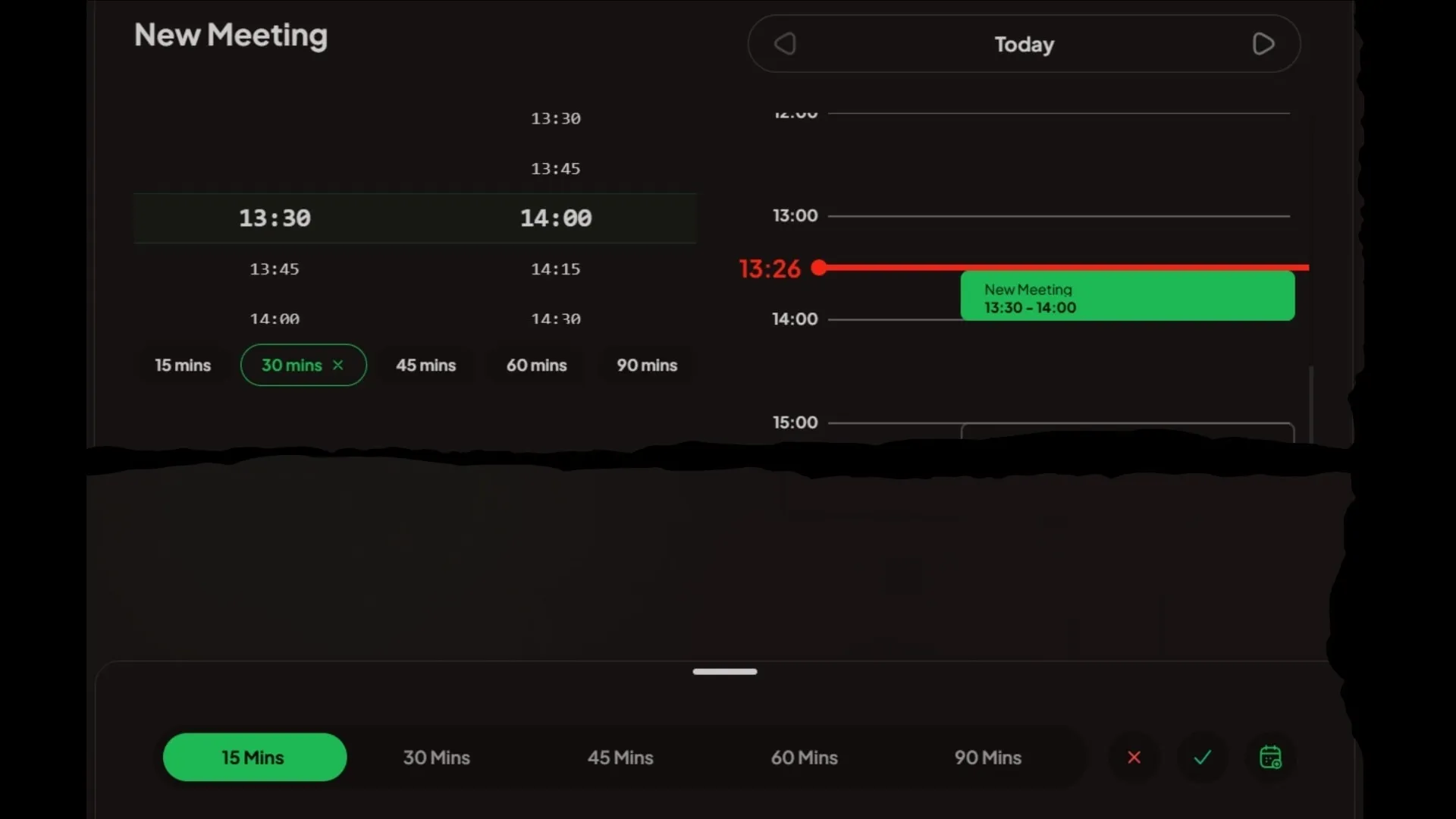
Room Booking
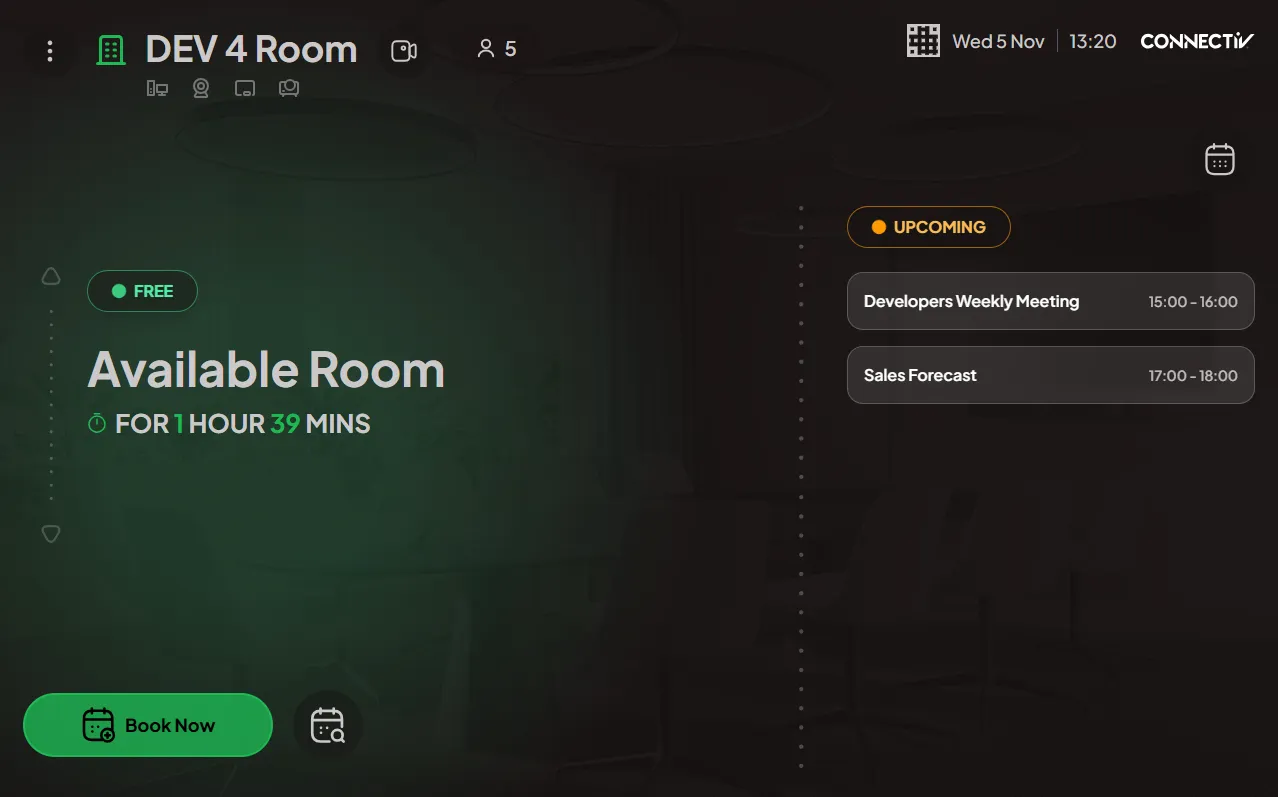
Book now or book later directly from the screen, with intelligent scheduling and real-time availability.
-
Smart Check-In & No-Show Management
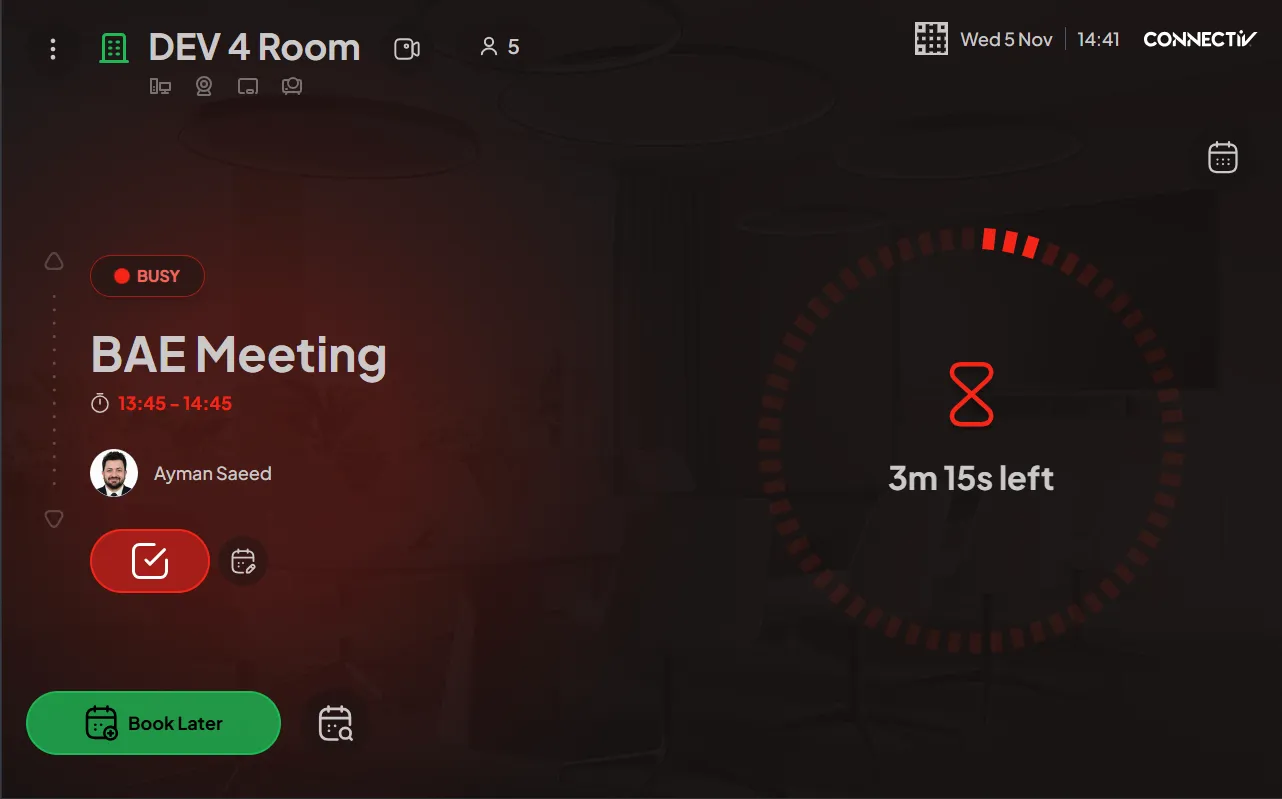
Automated check-in with configurable actions for missed check-ins, buffers and notifications.
-
Extend or End Meetings
Extend or end a meeting with a single tap — updates reflect instantly in the calendar.
-
Upcoming Meetings Overview
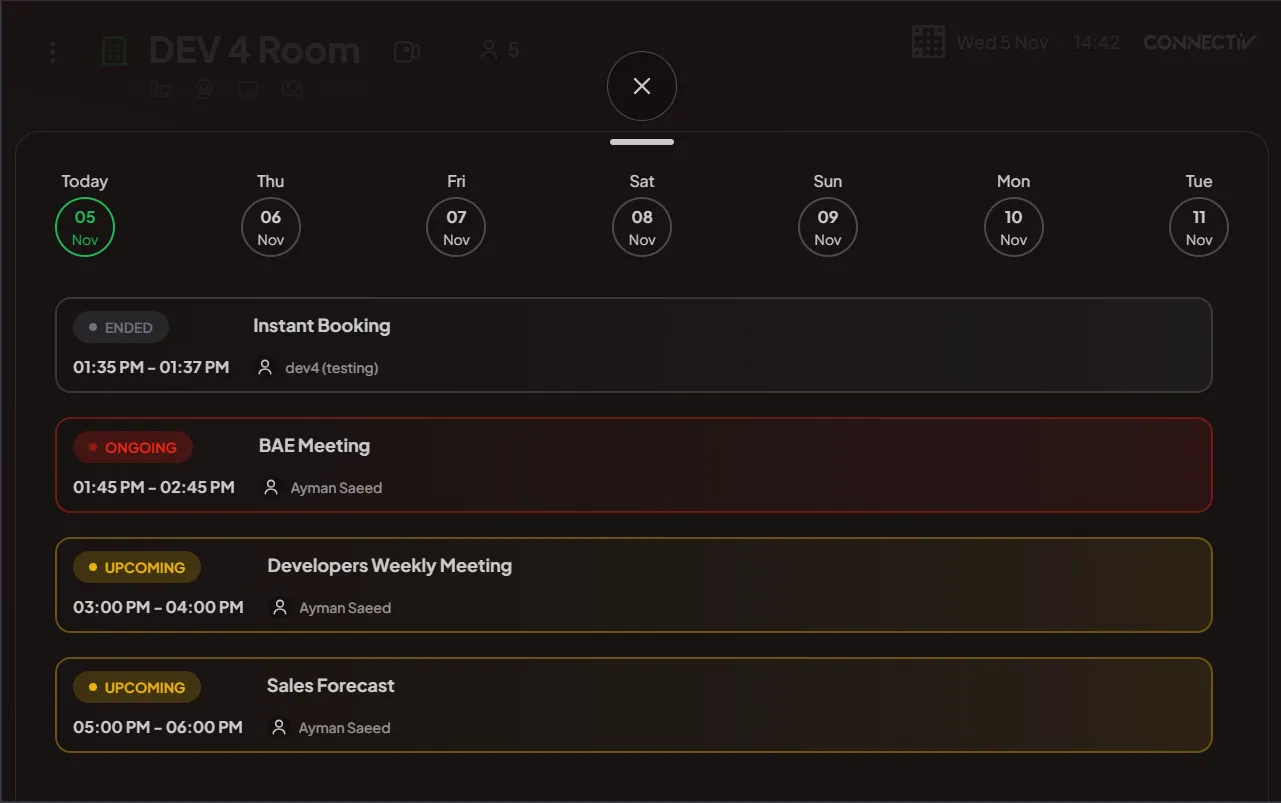
View all upcoming meetings for the next seven days at a glance.
-
Find & Book Nearby Rooms
Instantly find nearby available rooms and book an alternate space within seconds.
-
Mobile Booking via QR Code
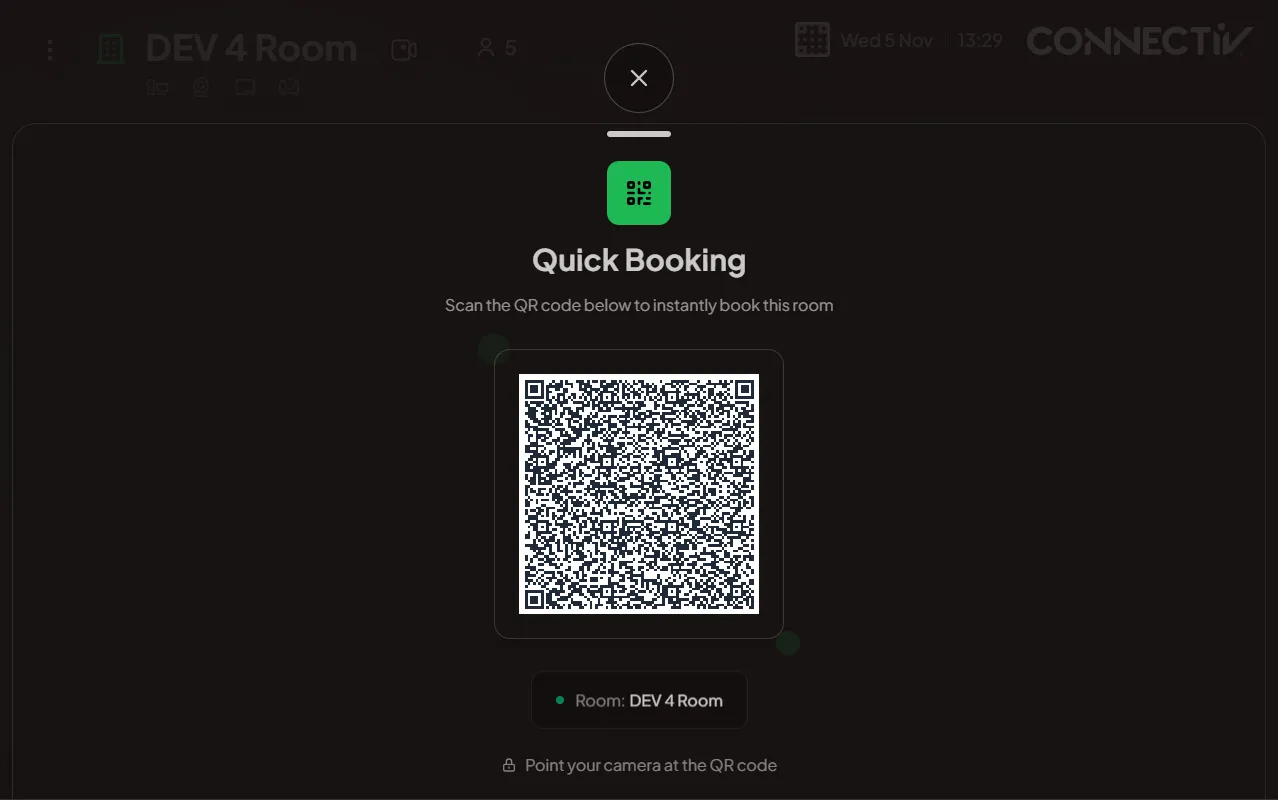
Scan the on-screen QR code to book directly from your mobile device.
-
PIN-Protected Actions
PIN-based security for booking, check-in, meeting management and administrative functions.
-
Live Camera & 360° View
Stream live room visuals or a 360° panoramic view before you book.
-
Report Room Issues
Report equipment, connectivity or facilities issues with automatic team notifications.
-
Request Catering
Send on-demand catering requests linked to the meeting duration.
-
Dynamic Widgets
Modular display elements that adapt to the room's current status.
-
Today's Calendar Widget
A daily calendar widget showing the room's events.
-
Clock Widget
A widget that displays the time in a clean 12-hour clock view.
-
Upcoming Meetings Widget
A minimal list-style widget showing the day's upcoming meetings.
-
Count Down Widget
A countdown timer widget showing the time remaining in the current meeting.
-
No Widget
A simplified, distraction-free layout with no widgets.
-
Themes & Branding
Custom themes, logos and backgrounds to match your corporate identity.
-
Device Details & Diagnostics
Displays endpoint info — browser, OS, screen specs, IPs, GUID and time zone — for fast troubleshooting.
-
LED Light Control
Colour-coded status from down the corridor — red for busy, green for available.
-
Advertising & Idle Mode
Displays promotional content and announcements during idle periods.
-
Ads Management
Upload, schedule and manage advertising content — images, videos and messages — shown across displays during idle periods.
-
Room Identity & Resources
Automatic room identification and resource details, synced with backend data.
-
Smart Notifications
Webhook alerts and countdown prompts before meetings end.
-
Full Control & Customisation
Admin controls to show, hide, enable or disable features per endpoint.
-
Working Hours & Scheduling
Define operating hours with automatic idle mode outside them.
Want to see it running?
Book a walkthrough and we'll tailor the demo to the rooms and workflows you care about.
Request a demo